
You come home from a trip, open your card statement, and the number is bigger than you thought. It usually isn’t one big mistake. It’s a hundred small purchases in a currency you don’t think in, plus fees you never saw. Here’s a simple system that fixes both.
The system in 30 seconds
- 1. Set a budget
- In your home currency, split into a few categories.
- 2. Log on the spot
- In the currency you actually paid, the moment you pay.
- 3. Convert at entry
- Save the home-currency value with that day’s rate.
- 4. Always pay local
- When a card machine offers your home currency, say no.
1. Set the budget in the currency you earn in
Your budget lives in the money you actually have: NT$, US$, whatever your salary or allowance is paid in. Decide the trip total first, then split it into four or five categories you can check at a glance:
- Stay (usually paid before you go)
- Getting there (flights, airport transfers)
- Food
- Getting around
- Fun (tickets, shopping, everything else)
Pre-paid items like flights and hotels go in right away, so the remaining number shows only what you can still spend. Our 5-day Tokyo student budget is a worked example.
2. Log in the currency you paid, right when you pay
Two rules make tracking actually work:
- Log the amount on the receipt, in its own currency. “¥1,200 ramen”, not your mental guess of what that is in NT$. Your guess will be wrong, and always in your favour.
- Log it within a minute. At the end of the day you’ll remember the dinner and forget the four vending-machine drinks.
3. Convert when you log, not at the end
If you convert everything at the end of the trip with one rate, a long trip during a moving currency drifts away from what you really paid. Save the home-currency value with each expense, using the rate on that day. Then your “spent so far” number is honest at any moment, and you can see whether today’s food spend is on track.
Your bank’s final number will still be a little higher. That’s the next section.
4. The fees that quietly add 1.5–5%
- Overseas transaction fees. Most Taiwan-issued cards charge about 1.5% on purchases abroad, on top of the exchange rate. On a NT$20,000 trip, that’s NT$300 you never see at the till. Some travel cards waive or rebate it, so check yours before you go.
- The “pay in NT$?” trap (dynamic currency conversion). Card machines and ATMs abroad often offer to charge you in your home currency. It looks helpful. It isn’t: the merchant’s rate typically carries a markup of around 1–5% on purchases, and far more at some ATMs. Your bank may still charge its overseas fee on top. Always choose the local currency.
- ATM withdrawals. Expect a fixed fee from your bank and sometimes another from the local ATM. Take out fewer, larger amounts rather than small ones every day.
A simple habit: add your card’s fee percentage to your budget as its own line. Then the statement at home matches what you tracked.
5. Track cash as one expense, then spend it
Cash is where tracking falls apart, especially in cash-heavy places like Japan’s small restaurants or Southeast Asian street food. The easy fix: when you withdraw or exchange, log the cash itself under “cash”. If you want detail, log the individual cash purchases too and move them from the cash pile into categories. If you don’t, you still know the total.
6. Shared costs with friends
When one person pays for the group, log the full amount and note who owes what. Settle up at the end in one currency everyone agrees on, using the rate you logged, not whatever the rate is two weeks later.
7. Spreadsheet or app?
A spreadsheet works if you’re disciplined and it’s a one-currency trip. Once you cross a border, it means looking up rates and fixing formulas on your phone in a train station. An app that converts at entry removes that step.
This is exactly what we built
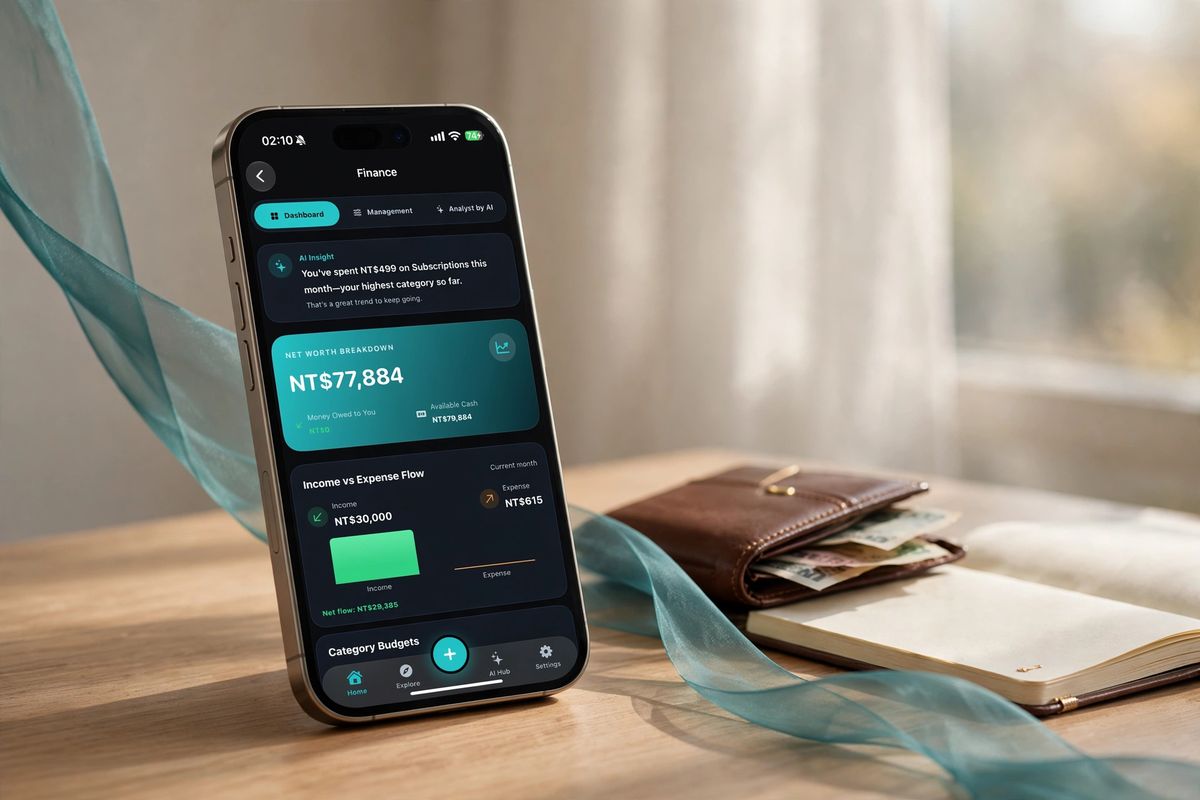
In the Plyndi app you type or say one sentence, like “dinner 480 baht in Bangkok”, and it files itself as an expense, in baht, converted to your currency the moment you log it. Receipts scan from the camera, and an AI analyst tells you where the money actually went.
Sources, checked October 14, 2026
- Overseas transaction fee example: Taishin Bank card terms (1.5%)
- Dynamic currency conversion markups: One Mile at a Time